
Key takeaways
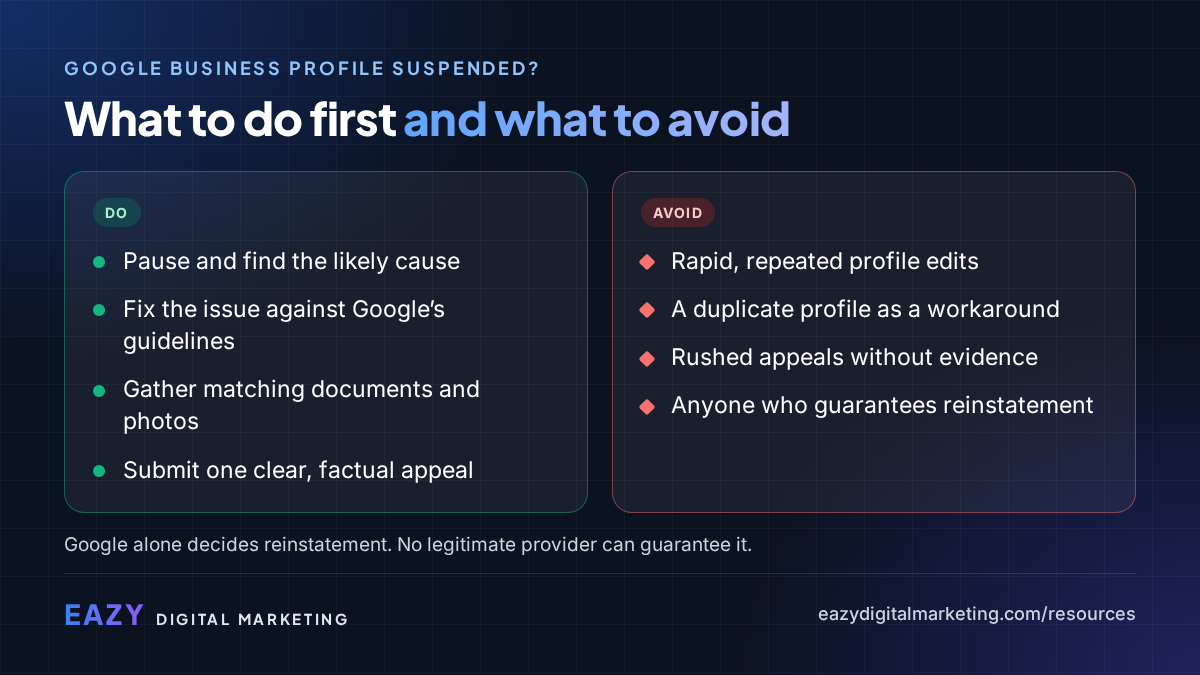
- Do not panic-edit the profile or create a new one; both can make reinstatement harder.
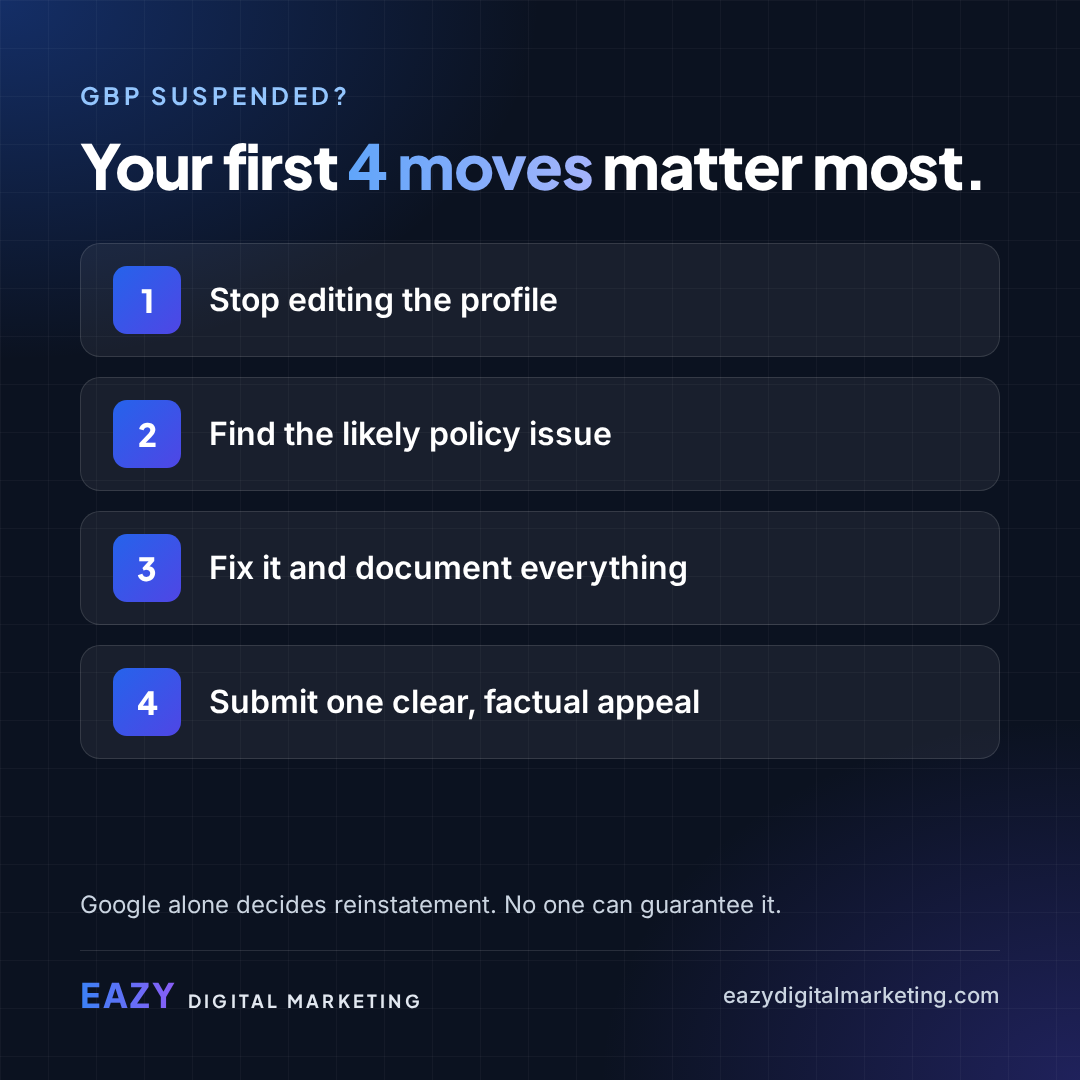
- Find and fix the likely policy issue before you appeal.
- Gather documents that prove the business is real and operates where the profile says it does.
- Submit one complete, factual appeal through Google’s official process. Google alone decides the outcome.
First, slow down
A suspension is stressful, especially when calls and direction requests stop overnight. The instinct is to start changing things. Resist it. Rapid edits, duplicate profiles and rushed appeals can turn a fixable suspension into a long one.
Step 1: Understand what kind of suspension it is
Not every suspension looks the same. In some cases the profile stays visible but you lose the ability to manage it. In others, the profile disappears from Search and Maps. Sometimes the restriction is on your Google account rather than the profile itself, and the account issue has to be resolved first.
Check your Business Profile dashboard and any emails from Google for the stated reason. That determines which appeal path applies.
Step 2: Find and fix the likely issue
Review the profile against Google’s guidelines for representing your business. Common problem areas include:
- A business name with extra keywords, cities or slogans that are not part of the real name.
- An address that is a virtual office, mailbox or location where you do not serve customers.
- A service-area business showing a street address it should have hidden.
- Categories that do not match what the business actually does.
- Multiple profiles for the same business at the same location.
Step 3: Gather your proof
Appeals succeed or fail on evidence. Prepare clear, current documents that show the business is real and operates where and how the profile says it does, before you start the appeal.
- Business registration or license showing the business name.
- A utility bill or lease for the location.
- Photos of permanent exterior signage and the storefront or office, if customers visit you.
- Anything else that ties the name, address and phone number together.
Step 4: Submit one strong appeal
Use Google’s official Business Profile appeals process. Keep the explanation short and factual: what the business is, what was corrected, and what the attached documents show. Have your files ready before you begin, because the evidence upload step has a limited time window.
Then wait. Google’s process limits how many times you can appeal, so a rushed, incomplete appeal costs you more than a few extra days of preparation.
What to avoid
While the appeal is under review:
- Do not create a new or duplicate profile.
- Do not keep editing the name, address, categories or hours.
- Do not submit multiple appeals for the same issue.
- Do not pay anyone who claims special access to Google or guarantees reinstatement.
A note on expectations
Google alone decides whether a profile is reinstated. A well-prepared appeal gives you the best chance, but no one outside Google can promise the result or the timeline. Be wary of anyone who does. Eazy Digital Marketing is an independent agency and is not affiliated with Google.
Share these takeaways
- “Profile suspended? Your first four moves matter most: stop editing, find the issue, fix it and document everything, appeal once.”
- “Never create a new Google Business Profile to replace a suspended one.”
- “A strong appeal is factual, complete and backed by documents.”
Related services
More guides
- ChatGPT Ads vs. Google Ads: How They Differ and How They Work Together
- GEO, AEO and LLM Visibility, Explained in Plain English
- An AI Visibility Checklist for Local and Multi-Location Businesses
- Is Your Business Ready for ChatGPT Ads? A 7-Point Readiness Checklist
- Paid vs. Organic AI Visibility: Why You Must Measure Them Separately